Gmount-iso is a small tool written using PyGTK and Glade. It allows you to easily mount your cd images. This is a frontend to the 'mount -o loop -t iso9660 foo.iso /mountpoint' command.
sudo aptitude install gmountiso
This will complete the installation.
Using gmountiso
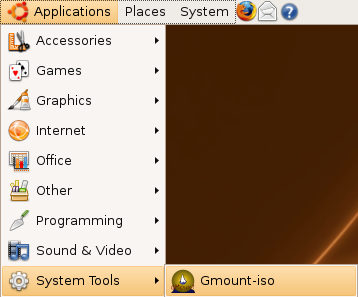
If you want to open go to Applications--->System Tools--->Gmount-iso
Once it opens you should see the following screen here you can specify your .iso file and mount point where you want to mount.

Example for gmountiso
I am having dsl-4.0.iso image on my desktop and i want to mount this under dsl directory so i have menctioned all the details and click on mount

This will prompt for root password enter your root password and click on ok

Once it finished mounting you can see these details under mounted images

You can see the files and folders inside dsl directory

If you want to unmount just select the your mount point and click on Unmount
This is very simple and easy process.

0 comments:
Post a Comment